What changes when the work moves to A32
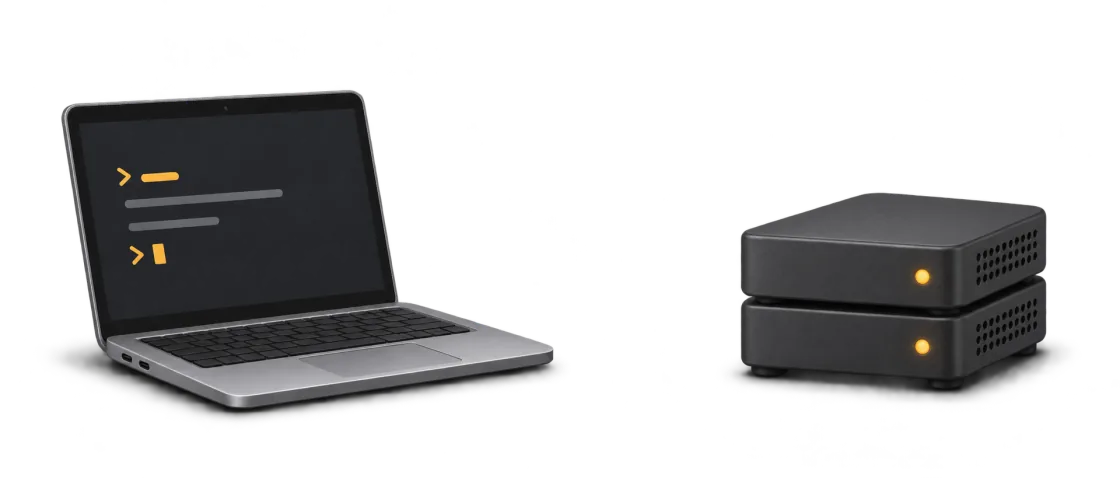
When you run tests on your PC, the test process uses your PC’s processor and memory. In A32, you give the same work to a remote instance. Your laptop displays the terminal and output, so builds and tests can run without competing for its memory.
You need a supported browser and an internet connection. Your chosen instance, project and model provider determine how fast a job finishes. Tasks that need your computer’s own hardware or desktop tools may fit local execution better.
Try it with a small project
- Create an instance in Personal. Start with enough disk for your repo and dependencies.
- Sign in to Claude Code or Codex in Terminal, then clone a test repo to your instance.
- Select its directory in Run agent. Ask the agent to run the tests and report what passed.
- Check Jobs and the CPU and memory readings in Overview. Compare the result with how the same work feels on your laptop.
Follow the personal workspace walkthrough for dashboard screenshots and setup steps.
Choose resources for the work you do
A small repository can start on Standard. More concurrent builds or a large dependency set may need more memory, CPU or disk. Choose based on the job’s observed resource use. Keep active tasks on the instance, and let the machine sleep between work sessions when it can.
See the daily-use cost calculator to compare plans with your own schedule.
Published by agent-32 · Reviewed 18 November 2026.